
AI Receptionists in 2026: What Can They Actually Do?
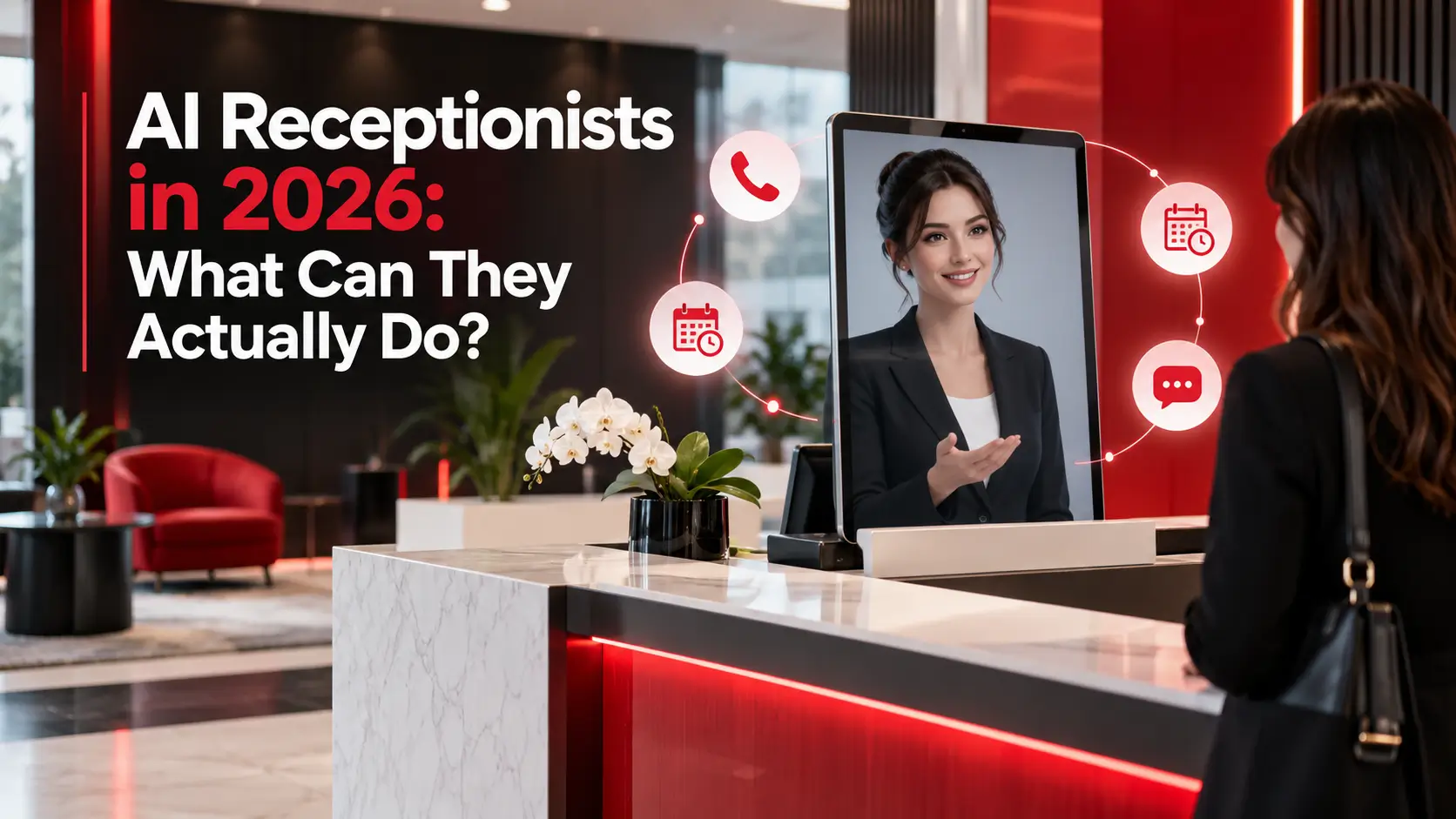
If your business misses calls while your team is busy, an AI receptionist can do much more than send callers to voicemail. In 2026, modern AI receptionists can answer questions, qualify leads, schedule appointments, collect customer details, send follow-up texts, and connect with business systems. However, the quality of the setup matters just as much as the AI itself.
So, what can an AI receptionist actually do today, and where does human support still matter?
What Is an AI Receptionist?
An AI receptionist is a voice-based AI system that answers business phone calls and holds a conversation with the caller.
Unlike traditional phone menus that ask people to press numbers, an AI receptionist can understand spoken requests and respond based on your business information and workflows.
Depending on how it is configured, it can:
- Answer incoming calls
- Explain services, hours, and basic policies
- Capture caller details
- Qualify leads
- Schedule, reschedule or cancel appointments
- Send SMS follow-ups
- Update a CRM
- Route calls to the right employee
- Escalate difficult conversations to a human
- Record useful information from the call
In other words, the goal is not simply to make a phone call sound more natural. The goal is to complete useful work.
What Can an AI Receptionist Actually Do in 2026?
1. Answer Calls 24/7
The most basic use is also one of the most practical. An AI receptionist can answer calls outside business hours, during busy periods, or when your team simply cannot pick up.
For UK businesses that depend on phone enquiries, this can provide a first response without requiring someone to sit by the phone all day.
However, answering every call is only the starting point.
2. Answer Common Customer Questions
An AI receptionist can provide approved information about:
- Business hours
- Services
- Locations
- Appointment availability
- Basic pricing information
- Policies
- Service areas
- Frequently asked questions
The important word is approved. The system should have access to reliable business information rather than being allowed to guess.
3. Qualify Leads Before Passing Them On
A useful AI receptionist can ask questions before sending a potential customer to your team.
For example, a roofing company might ask about the property location, type of roof, and reason for the call. A dental practice could identify whether someone is a new patient, a returning patient, or calling about an urgent issue.
This helps your team receive useful information instead of simply getting a message saying, “Someone called.”
4. Book Appointments Directly
Appointment booking is one of the most valuable AI receptionist use cases.
When connected to the right calendar or scheduling system, the AI can check availability and book an appointment during the conversation.
That is very different from taking a message and asking an employee to call the person back later.
The Reddit discussions highlight this distinction repeatedly. Users question the value of systems that only create transcripts or tasks instead of actually connecting with calendars, CRMs, and business workflows.
5. Update Your CRM With Structured Information
A good AI receptionist should turn a conversation into usable business data.
Instead of leaving your team with a four-minute transcript, the system can record fields such as:
- Customer name
- Phone number
- Reason for calling
- Service requested
- Urgency
- Location
- Preferred appointment time
- Lead status
This matters because automation should reduce work, not simply move it somewhere else.
6. Send Text Messages After Calls
AI receptionists can also connect phone conversations with SMS.
For example, after a caller requests an appointment, the system could send a confirmation or booking information. If a call is interrupted, a follow-up text could help continue the conversation.
This is especially useful when customers prefer texting after making an initial phone enquiry.
7. Transfer Calls When a Human Is Needed
AI should not try to handle everything.
If someone has a complicated complaint, sensitive issue, or request outside the AI's instructions, the system should provide a clear route to a human employee.
This hybrid approach is becoming increasingly important. Salesforce's 2026 research found that 66% of surveyed customer-service organisations were using AI agents, up from 39% in 2025.
At the same time, HubSpot reports that 95% of consumers surveyed still consider human support important for complex or emotional issues.
So, the practical model is not necessarily AI replacing people. It is AI handling suitable conversations while humans handle situations that require judgment.
What Makes an AI Receptionist Actually Useful?
Having a natural-sounding voice is not enough.
Based on real-world discussions from business owners and AI users, several capabilities separate a useful system from an expensive voicemail.
- Fast responses: Long pauses can make callers think the call has failed.
- Interruption handling: People interrupt, change their minds, and add information mid-sentence. The AI needs to handle normal conversation rather than forcing callers through a script.
- Business-specific workflows: A plumber, dentist, law firm, and HVAC company do not need the same call flow.
- CRM and calendar integrations: Information should reach the systems your team already uses.
- Human handoff: The AI needs clear rules for when to transfer a call.
- Low management effort: Small business owners generally do not want another complicated dashboard to monitor every day. Reddit users repeatedly mention that systems requiring constant configuration can quickly become difficult to maintain.
What Can an AI Receptionist Not Do Reliably?
Despite the progress in voice AI, there are still situations where human involvement is important.
An AI receptionist may struggle with:
- Highly emotional conversations
- Complex negotiations
- Unusual or unclear requests
- Sensitive legal or medical questions
- Heavy background noise
- Strong accents or unclear speech
- Situations requiring professional judgement
- Requests outside its knowledge base
For these situations, the system should know its limits.
A good setup does not try to make the AI look perfect. Instead, it gives the AI clear boundaries and a reliable escalation path.
Is an AI Receptionist Worth It for a Small Business?
It can be, but not for every business.
An AI receptionist is most useful when your business:
- Receives regular inbound calls
- Misses calls during busy periods
- Books appointments
- Gets repetitive questions
- Needs after-hours coverage
- Has a clear sales or service process
- Uses a CRM or scheduling system
- Has enough call volume to justify automation
For a business that receives very few calls and already answers every one personally, the value may be limited.
The better question is not, “Should we use AI?”
It is, “Which phone tasks are costing us time or missed opportunities, and can AI handle them reliably?”
How Should Businesses Implement an AI Receptionist?
Start with one clear workflow rather than trying to automate every call immediately.
For example:
- Step 1: Identify your most common call types.
- Step 2: Decide which calls AI can handle safely.
- Step 3: Create clear answers and qualification questions.
- Step 4: Connect the AI to your calendar, CRM or other required systems.
- Step 5: Set rules for human transfers.
- Step 6: Test real conversations, including difficult scenarios.
- Step 7: Review calls and improve the workflow over time.
This approach makes it easier to identify problems before they affect a large number of customers.
For a broader explanation of voice AI, integrations, costs, and limitations, see Spotlight GB's AI Calling guide.
Ready to Automate Your Calls?
Spotlight GB can help you set up AI calling to answer calls, qualify leads, book appointments and handle follow-ups.
Explore AI Calling Services →AI Receptionist vs Traditional Receptionist: Which Is Better?
It does not have to be one or the other.
An AI receptionist can handle repetitive calls, basic enquiries, booking, and information collection. A human receptionist can then focus on customers who need empathy, judgement, or more detailed assistance.
For many businesses, the strongest setup is therefore AI + human support.
The AI handles the predictable first layer, while your team remains responsible for important conversations and decisions.
How Spotlight GB Can Help
Setting up an AI receptionist is not simply about choosing a voice and writing a prompt. The system needs the right workflows, integrations, escalation rules, and testing.
Spotlight GB provides AI automation services that can connect AI workflows with tools such as CRMs, calendars, and communication platforms. The aim is to build automation around how your business already works rather than adding another system for your team to manage.
Book a Free AI Automation Audit →
FAQs About AI Receptionists
Can an AI receptionist book appointments?
Yes. When connected to a compatible calendar or booking system, it can check availability and schedule appointments during calls.
Can an AI receptionist transfer calls to employees?
Yes. Businesses can create rules that transfer specific callers or situations to a human team member.
Can AI receptionists update CRMs?
Yes. Depending on the integration, they can send structured caller and lead information directly into a CRM.
Do customers know they are speaking with AI?
They may. Voice quality has improved, but some callers can still recognise AI. Businesses should prioritise clear communication and give customers an easy way to reach a human.
Can an AI receptionist replace a human receptionist?
Not in every situation. AI is well suited to routine calls, while humans remain important for complex, sensitive or high-value conversations.
Conclusion
An AI receptionist in 2026 can do far more than answer the phone. It can qualify leads, book appointments, collect customer information, update systems, send follow-ups, and transfer calls when human help is needed.
The real value comes from connecting those capabilities to your actual business workflows. For most companies, the goal should not be replacing people, but letting AI handle routine calls while your team focuses on conversations that need a human touch.
Spotlight GB
Editorial Team


